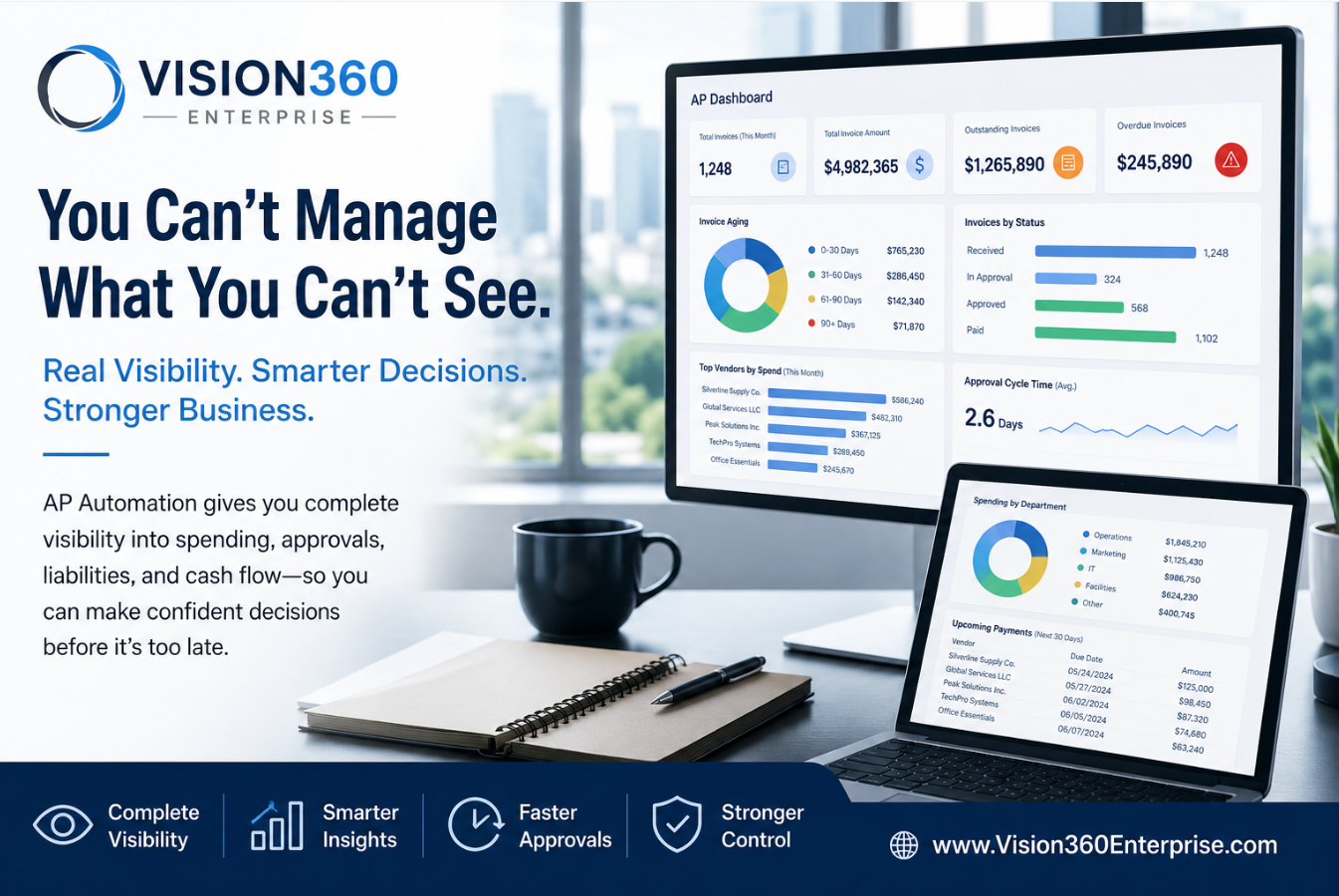
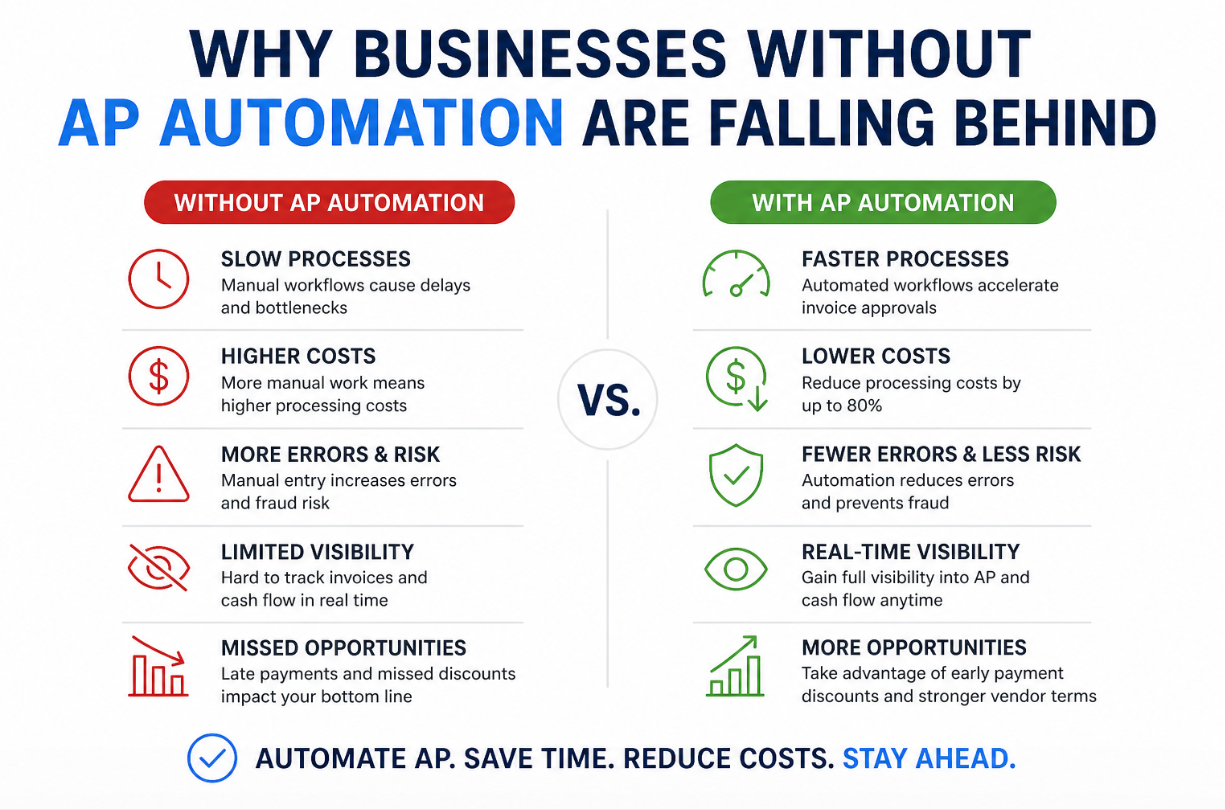
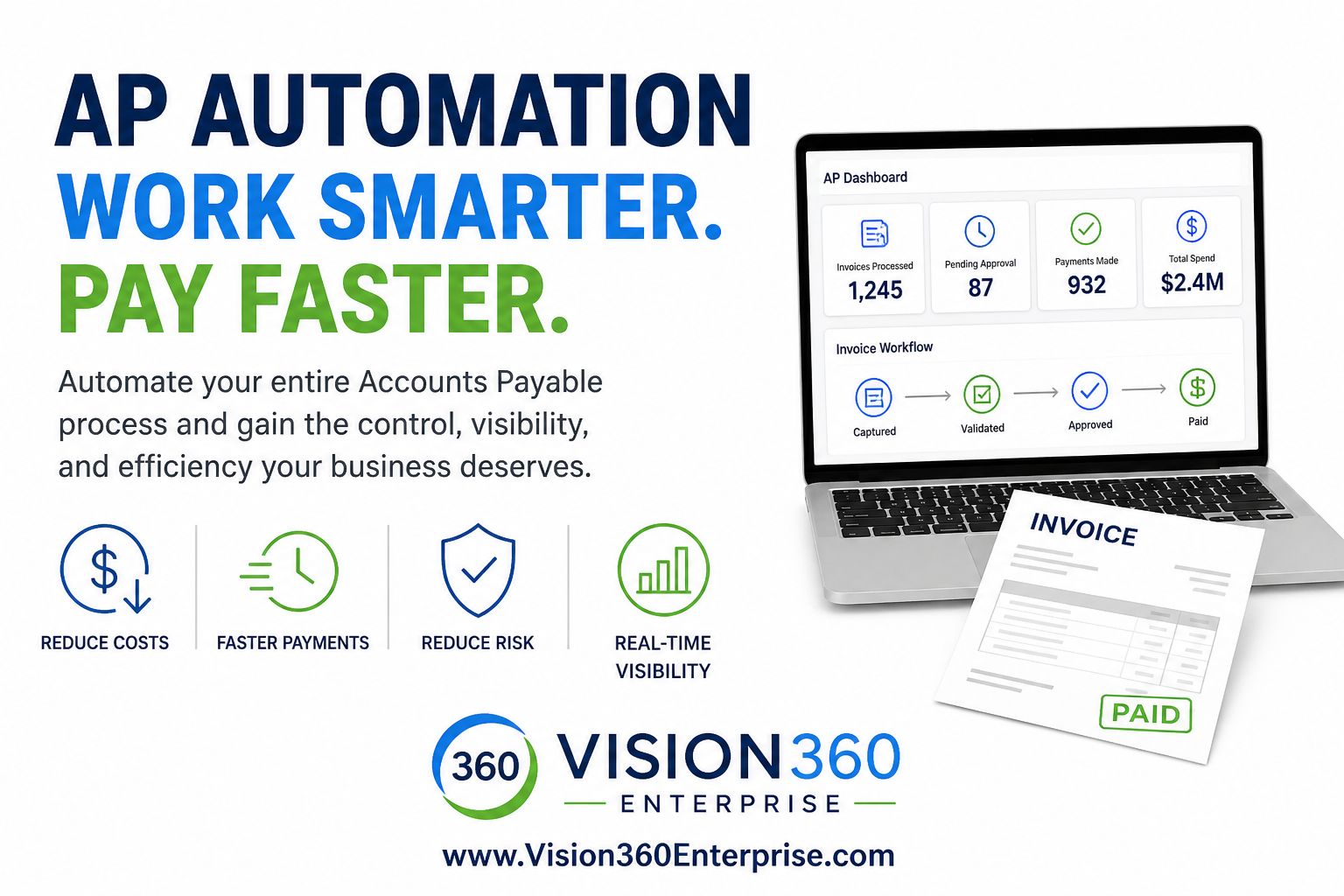
Traditional Accounts Payable Invoice Processing Relies Heavily on Manual Processes.
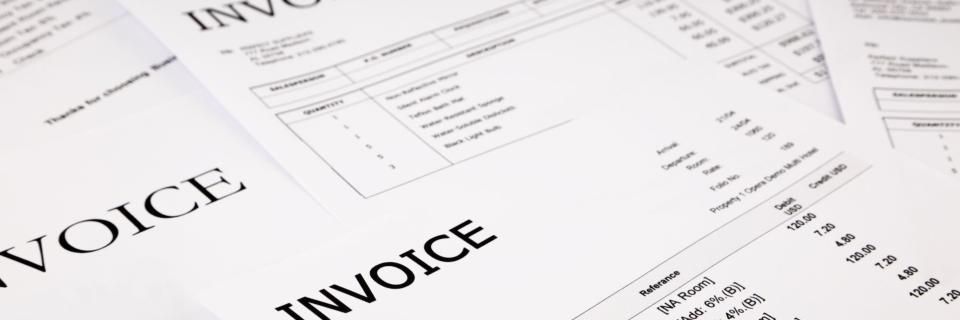
6 Reasons Why Accounts Payable Automation May Be Beneficial to Your AP Department


In today’s fast-paced business world, efficiency is key. One area where many companies can streamline operations and improve cash flow is in their accounts payable (AP) processes. Traditionally, accounts payable has been a manual, paper-intensive task involving invoice processing, data entry, approval workflows, and payment management. However, accounts payable automation is transforming how businesses manage this essential function.

Here are six compelling reasons why automating your accounts payable process can benefit your business:

1. Increased Efficiency and Time Savings
One of the most immediate
benefits of accounts payable automation is the significant reduction in the time spent on manual tasks. By eliminating repetitive steps like data entry, invoice sorting, and approval chasing, automation allows your finance team to focus on more strategic tasks. Instead of processing invoices one by one, AP automation software can quickly extract data, match it with purchase orders and receipts, and flag discrepancies for review.

The result? A faster AP cycle, quicker payments, and more time for your team to focus on higher-value work.

2. Improved Cash Flow Management

Automating accounts payable helps businesses maintain better visibility and control over their cash flow. AP automation solutions often come with built-in reporting tools that allow you to track and manage your outstanding bills, due dates, and payment terms. With this real-time information at your fingertips, you can make more informed decisions about when to pay invoices and optimize your cash flow.

Additionally, automation can facilitate early payment discounts, helping you save money by paying suppliers on time and taking advantage of any offered discounts, improving your bottom line.

3. Enhanced Accuracy and Reduced Errors
Manual data entry is prone to human error—whether it’s typing mistakes, missed invoices, or duplicate payments. These errors can be costly in terms of both time and money. Accounts payable automation eliminates these risks by
automatically extracting data from invoices, matching it against purchase orders, and validating amounts and payment terms.

With fewer errors, you can avoid overpaying suppliers, missing discounts, or paying the wrong amounts, leading to more accurate financial reporting and a smoother relationship with vendors.

4. Better Compliance and Audit Trails
Manual AP processes can make it difficult to track and document each step of the payment process, increasing the risk of non-compliance or fraud. Accounts payable automation solutions, however, provide an electronic audit trail of every invoice, approval, and payment action, ensuring that you have a comprehensive record of all AP activities.

This level of transparency is invaluable during audits or when reviewing past transactions. With everything documented and easily accessible, you can meet compliance requirements with less effort and reduce the likelihood of fraud or financial mismanagement.

5. Streamlined Vendor Relationships
Maintaining strong relationships with vendors is crucial for any business. By automating accounts payable, you can ensure timely and accurate payments, which helps foster trust and goodwill with suppliers.
AP automation also makes it easier to communicate with vendors, track payment status, and resolve disputes quickly.

Additionally, automation provides better visibility into vendor performance and payment trends, allowing your business to negotiate better terms or take advantage of early payment discounts with suppliers you pay consistently and on time.

6. Scalability and Flexibility
As your business grows, the volume of invoices and payments will increase, making it difficult to maintain the same level of efficiency with manual processes.
Accounts payable automation scales with your business, allowing you to handle larger volumes without needing to hire additional staff or implement cumbersome manual workflows.

Most modern AP automation tools are flexible and can integrate with other systems like Enterprise Resource Planning (ERP) and accounting software. This flexibility ensures that your AP process can grow seamlessly with your business needs and adapt to changes as your operations expand.

Conclusion: Unlock the Full Potential of Accounts Payable Automation
Automating your accounts payable process offers significant advantages, from improved efficiency and cash flow management to better accuracy, compliance, and vendor relationships. As businesses continue to embrace digital transformation, adopting AP automation not only saves time and money but also enables growth and scalability.

In today’s competitive landscape, leveraging technology to streamline AP processes is no longer optional—it’s a smart business move. If you haven’t already, now is the time to explore accounts payable automation and unlock its full potential for your business.

By implementing an automation solution, you’ll gain greater control over your finances, reduce operational costs, and free up valuable resources to focus on what truly drives your company’s success.

Are You Ready to Explore Accounts Payable Automation?!


Talk with an AP Automation Expert!

How AI s Changing AP Automation
By Richard Pigott January 30, 2026
AI Accounts Payable automation that replaces manual invoice processing with intelligent data capture, adaptive workflows, and real‑time visibility
By Richard Pigott January 8, 2026
How Accounts Payable Automation Reduces the Potential Risk of Fraud and Security Attacks
Why AI Data Capture Is Replacing OCR in Accounts Payable
By Richard Pigott December 9, 2025
In today’s AP environment, the question isn’t whether AI is better than OCR—it’s whether organizations can afford to keep using OCR at all.
By Richard Pigott November 12, 2025
Executive Summary: Why ERP-Native AP Automation Fails — and Why Vision360 Enterprise Wins ERP “AP Automation” promises simplicity but delivers shallow workflow. Vision360 Enterprise was built from the ground up to automate the entire invoice lifecycle — from intelligent capture to payment — delivering true AI-powered efficiency, faster ROI, and freedom from ERP lock-in. 1. ERP Vendors Build Breadth, Not Depth ERP systems manage everything — but master nothing. Vision360 Enterprise focuses solely on AP automation , achieving: 2–3× higher straight-through processing Faster adoption and measurable time-to-value Continuous AI learning and enhancement 2. ERP “Automation” = Manual Workflows in Disguise ERP modules digitize invoices but still depend on manual validation, GL coding, and exception routing. Vision360 Enterprise applies automated business rules and logic to achieve near-touchless processing. 3. ERP Customization = Permanent Technical Debt ERP automation success requires heavy scripting and consulting — each upgrade breaks it again. Vision360 Enterprise integrates natively, updates seamlessly, and eliminates technical debt. 4. ERP Lock-In Limits Agility ERP automation binds you to one vendor and one process. Vision360 Enterprise connects across multiple ERPs, entities, and regions — providing agility through change. 5. Vision360 Enterprise Delivers Measurable ROI 70–80% fewer manual AP touches 50–60% faster invoice cycle times 2× early-payment discount capture Payback in under 12 months Conclusion: ERP vendors digitize invoices. Vision360 Enterprise automates intelligence. For finance leaders serious about eliminating manual work, improving visibility, and future-proofing their payables process — Vision360 Enterprise is the clear strategic choice.
By Richard Pigott October 31, 2025
Every month-end, accounting teams face the same challenge: closing the books quickly, accurately, and in compliance with reporting standards. But one recurring issue often slows things down — missing accruals. If you’ve ever been asked by accounting to “send your accruals,” it’s not just a formality. Your accruals are essential to producing an accurate picture of the company’s financial health. What Are Accruals? Accruals represent expenses that have been incurred but not yet invoiced or paid. They align costs to the correct accounting period — ensuring financial results accurately reflect when the work was done or the goods were received. Without accruals, one month’s profit may look inflated while the next month is overstated — skewing performance metrics, budgets, and forecasts. Why Accounting Needs Your Accruals 1. To Ensure Accurate Financial Reporting Accruals help accounting record expenses in the period they were incurred, not when invoices arrive. This ensures management and stakeholders see the company’s true financial position. 2. To Avoid Budget and Forecast Distortions When expenses are recognized late, they show up in the wrong month — confusing budget owners and making forecasts unreliable. Timely accruals keep budgets aligned and predictable. 3. To Accelerate the Month-End Close Every missing accrual adds hours or even days to the close process. Submitting accruals promptly helps accounting close faster, deliver timely reports, and support better business decisions. 4. To Maintain Compliance and Audit Readiness Auditors look for complete and consistent expense recognition. Well-documented accruals show adherence to GAAP or IFRS standards and demonstrate strong financial controls. 5. To Strengthen Collaboration Between Finance and Operations Submitting accurate accruals isn’t just helping accounting — it’s helping your entire business operate with transparency and precision. Best Practices for Submitting Accruals Track pending costs: Keep notes on goods or services received but not yet invoiced. Communicate early: Let accounting know about large or recurring expenses before month-end. Meet deadlines: Submit accrual details on time to support a smooth close process. Vision360 Enterprise: Using an AP Automation system like Vision360 Enterprise allows centralized processing of supplier invoices which allows accounts payable visibility and control with the ability to generate accruals instantaneously. The Bottom Line Accruals are more than a technical accounting task — they’re the foundation of financial accuracy. When every department participates in the accrual process, the result is faster closes, cleaner reports, and better business decisions. So next time accounting asks for your accruals, remember: they’re not chasing paperwork — they’re protecting accuracy, compliance, and the integrity of the numbers.
By Richard Pigott October 28, 2025
Be honest: Does your Accounts Payable process still rely on paper, email approvals, and manual data entry? If so, your AP process might be stuck in 1999 — while the rest of finance has moved decades ahead. In today’s fast-paced, AI-driven finance world, AP automation isn’t optional anymore — it’s essential. Here are five signs your Accounts Payable process needs automation, and how modern finance teams are transforming their workflows with AI-powered invoice processing and automated approval systems. 1. You’re Still Digging Through Emails or Paper Invoices If your team still receives invoices as PDFs, attachments, or even paper copies, you’re stuck in a pre-cloud era. Back in 1999, mail and fax were standard. But in 2025, manual invoice handling wastes time, increases data entry errors, and limits visibility. Modern AP automation systems use intelligent data capture, AI and OCR technology to automatically extract and validate invoice data — no typing, no spreadsheets, no missing files. Why it matters: Eliminates manual entry and human error Prevents lost or duplicate invoices Speeds up processing and approvals Modern alternative: A cloud-based invoice capture service that imports invoices automatically and syncs them directly with your ERP or accounting platform. 2. Approvals Still Depend on Email Threads or Paper Signatures If managers still approve invoices by replying to emails or signing paper copies, your invoice approval workflow hasn’t changed in 25 years. Today’s AP automation platforms use automated approval workflows that route invoices instantly based on predefined rules — by department, spend threshold, or GL code. Every action is tracked, timestamped, and auditable. Benefits of automation: Instant routing and escalation Full visibility for AP and management Clear audit trail and compliance record Modern alternative: Rules-based approval automation that eliminates delays, reduces bottlenecks, and ensures on-time payments. 3. You Have Little or No Real-Time Visibility Into Payables In 1999, waiting for end-of-month reports was normal. But in 2025, real-time visibility into payables is mission-critical for cash flow and forecasting. If you’re still updating spreadsheets or manually reconciling data, you’re missing the insights needed to manage spend effectively. Modern Accounts Payable automation dashboards show invoice statuses, exception alerts, and payment readiness in real time — no waiting, no guesswork. Why visibility matters: Prevents late payments and cash surprises Supports better decision-making Strengthens supplier relationships Modern alternative: A real-time AP analytics dashboard that delivers instant insight into outstanding invoices, payments, and workflow performance. 4. You’re Still Cutting Paper Checks or Logging Into Multiple Portals If your AP team still prints checks or logs into multiple banking portals to make payments, you’re wasting hours on tasks that modern payment automation systems can do in seconds. In 1999, that was standard. Today, automated payment processing securely matches invoices to purchase orders, schedules payments, and reconciles accounts automatically. Why automate payments? Reduces fees, errors, and fraud Improves supplier satisfaction Speeds up month-end close Modern alternative: End-to-end payment automation that manages ACH, virtual cards, and digital payments directly from your AP automation platform. 5. Your AP Team Is Overworked and Undervalued If your Accounts Payable team spends most of their time keying data, chasing approvals, and answering vendor questions, they’re working harder — not smarter. AI in Accounts Payable eliminates repetitive work, empowers staff, and shifts focus toward higher-value activities like supplier analysis and cash management. Benefits of AI-powered AP workflows: 70–80% fewer manual tasks Lower risk of data errors Happier, more productive teams Modern alternative: AI-driven AP automation software with intelligent routing, exception handling, and self-service supplier portals. The Bottom Line: 1999 Processes Can’t Compete in 2025 and Beyond. Finance has evolved. Paper-based, manual Accounts Payable processes haven’t. Modern AP automation solutions deliver speed, accuracy, and real-time visibility across the entire invoice-to-pay cycle. By embracing AI and automated workflows, you build a finance operation that’s smarter, faster, and future-proof. If your current AP workflow shows even one of these five signs, it’s time to automate — because 2025-ready finance teams don’t just process invoices, they analyze, optimize, and innovate. Next Steps: Modernize Your Accounts Payable with AI Audit your current AP workflow — find bottlenecks, delays, and data entry points. Calculate your manual processing cost — time, errors, and lost discounts add up. Explore AI-powered AP automation software that integrates with your ERP and provides full visibility. Don’t let your Accounts Payable team operate like it’s still 1999. Modernize with AI-driven AP automation to reduce costs, accelerate approvals, and empower your finance team. If you’re ready to see how AI-powered AP Automation can transform your finance operations, book a demo or schedule a workflow assessment . We’ll show you how to eliminate manual processes, reduce costs, and bring your Accounts Payable process into the modern era.
AP Automation in Healthcare
By Richard Pigott September 22, 2025
Discover how AP automation helps healthcare cut costs, improve compliance, prevent fraud, and free staff to focus on patient care.
By Richard Pigott September 5, 2025
Accounts Payable Workflow vs. AP Automation: What’s the Difference?
Coupa Invoice Data Entry
By Richard Pigott August 29, 2025
Enhance Your Coupa Investment by Eliminating Manual Invoice Entry